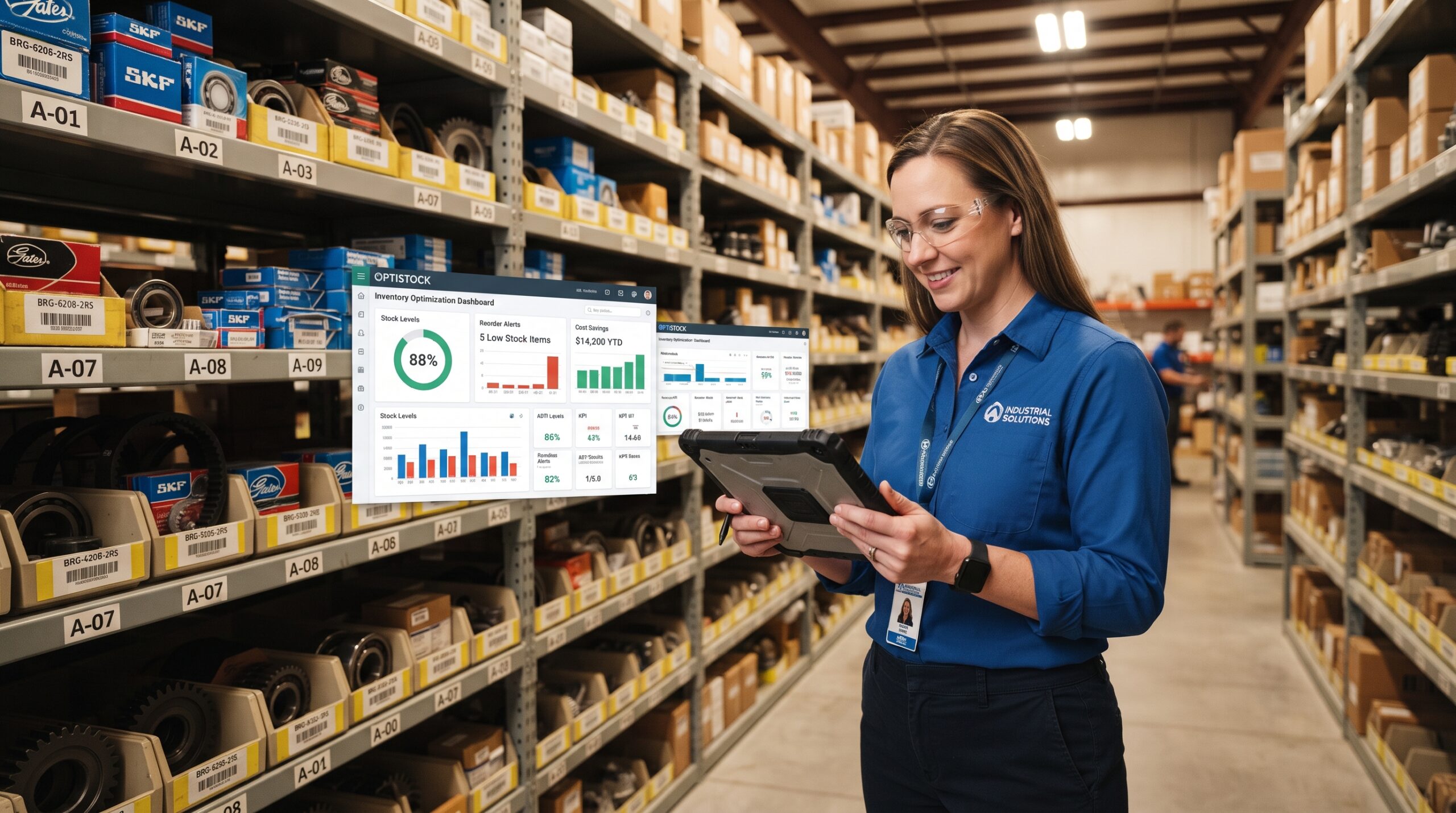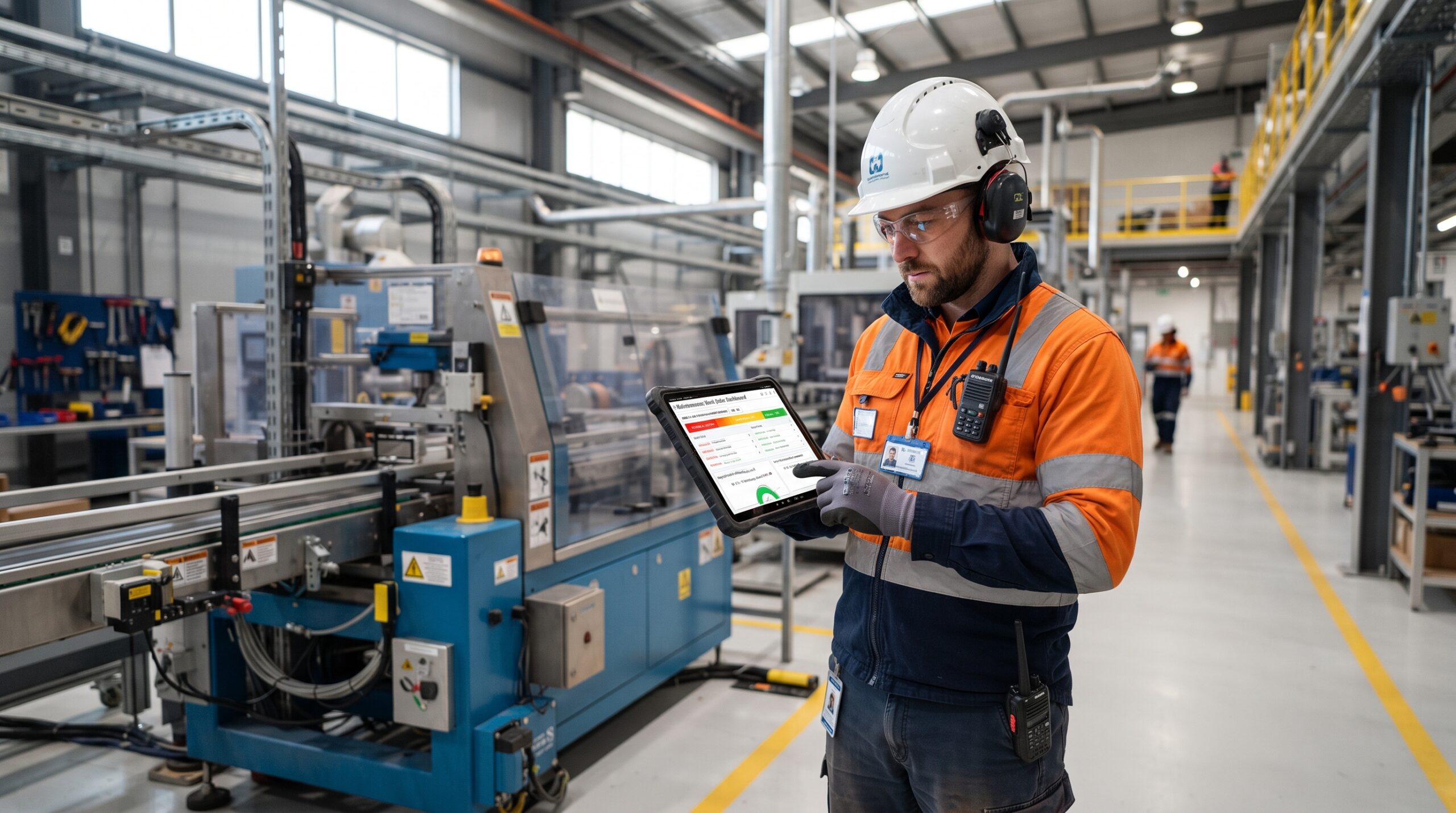
Every maintenance team eventually hits the same bottleneck, and work order prioritization is usually the reason: too many requests, not enough hands, and no clear system for deciding what gets done first. When every work order is treated as urgent, none of them really are critical repairs that sit in the same queue as cosmetic fixes, technicians bounce between unrelated tasks, and the equipment that actually threatens production often waits longer than it should.
Getting prioritization right isn’t about working faster. It’s about working on the right things first, based on real operational risk rather than who complained loudest or which ticket came in most recently. Done well, it’s one of the highest-leverage changes a maintenance team can make, often improving uptime without adding a single new technician or dollar of budget.
Why Work Order Prioritization Directly Affects Uptime
Equipment doesn’t fail randomly from a maintenance team’s perspective. Most failures are preceded by warning signs that show up as work orders: unusual vibration, a minor leak, a sensor alert, an operator note about a strange noise. If those early-warning tickets sit unaddressed behind lower-stakes requests, small issues become full failures, and full failures become unplanned downtime.
Effective maintenance priority systems close that gap. By consistently identifying which work orders represent real risk to safety, production, or compliance, teams catch degradation before it turns into a shutdown. The result is fewer emergency repairs, more predictable schedules, and equipment that stays running longer between interventions.
Build a Prioritization Framework, Not a Gut Check
The biggest mistake teams make is prioritizing work orders informally — whoever’s asking, whichever manager is most persistent, or whatever’s easiest to knock out quickly. A defensible framework instead scores each work order against a few consistent criteria:
- Safety risk : Could delay cause injury or an environmental incident?
- Production impact :Does this asset feed a critical process, or is there redundancy?
- Asset criticality :Is this a high-value, hard-to-replace, or single-point-of-failure asset?
- Failure trend : Is this a first-time issue, or part of a repeat pattern signaling worse to come?
- Regulatory or warranty exposure : Does delay create compliance risk or void coverage?
Assigning each work order a priority tier, often emergency, urgent, scheduled, and routine based on these factors turns prioritization into a repeatable process rather than a daily negotiation. Technicians and supervisors both know exactly why one job jumps the queue over another, which reduces friction and second-guessing on the floor.
Design a Work Order Workflow That Supports Fast Decisions
A good priority framework only works if the surrounding work order workflow supports it. That means work orders need to be captured consistently with enough detail (asset ID, symptom description, urgency, requester) for a planner to score them accurately without chasing down clarifying information.
A strong workflow typically includes:
- A standardized intake form or digital submission process, so no critical detail gets lost in a verbal request
- A triage step where a planner or supervisor reviews and assigns priority before work is scheduled
- Clear escalation paths for anything that scores as emergency-level, so it doesn’t sit in a queue waiting for the next planning meeting
- Regular backlog reviews to catch aging work orders that were deprioritized but are quietly becoming more urgent
When the workflow is clunky paper tickets, scattered emails, verbal requests shouted across the floor even a well-designed priority system breaks down, because the information needed to prioritize accurately simply isn’t there.
Tie Prioritization Back to Maintenance Planning
Work order prioritization can’t operate in isolation from broader maintenance planning. Preventive maintenance tasks, scheduled inspections, and project work all compete for the same technician hours as reactive work orders. Without integration, urgent reactive work constantly displaces planned preventive tasks which, over time, increases the volume of emergency repairs and creates a downward spiral.
Mature maintenance operations build slack into their planning specifically to absorb high-priority reactive work without abandoning PM schedules entirely. This might mean reserving a percentage of technician capacity each week for unplanned but high-priority tickets, or reviewing planned schedules weekly to reprioritize based on what’s come in. The goal is a system where reactive and planned work coexist, rather than reactive work perpetually crowding out the preventive maintenance that would have prevented it in the first place.
Use Data to Refine Priorities Over Time
Prioritization shouldn’t be static. Tracking outcomes of how often “urgent” tickets actually preceded failures, how long high-priority items sat before being addressed, which assets generate repeat emergency work orders reveals whether the scoring criteria are actually working. If certain equipment keeps generating emergency tickets despite being flagged as lower priority, that’s a signal the criticality rating needs revisiting, not that the team is failing to keep up.
Many teams find that a small number of assets generate a disproportionate share of urgent work orders. Identifying that pattern allows for a more targeted fix whether that’s more frequent inspections, a redundancy investment, or an eventual replacement rather than continuing to fight the same issue indefinitely.
The Bottom Line
Maximizing equipment uptime isn’t about doing more maintenance work it’s about doing the right work order first, consistently and defensibly. A clear prioritization framework, a workflow that captures the information needed to apply it, and tight integration with broader maintenance planning together turn a chaotic queue into a system that protects the equipment that matters most. Teams that get this right don’t just reduce downtime; they free up capacity to stay ahead of problems instead of constantly reacting to them.
Ready to Improve Your Maintenance Operations?
Whether you’re looking to reduce downtime, improve asset reliability, or streamline maintenance processes, Azzier is here to help. Contact our team today to learn how our CMMS software can support your organization’s maintenance and asset management goals.
Frequently Asked Questions
- What criteria should be used to prioritize work orders?
The most reliable frameworks weigh safety risk, production impact, asset criticality, failure history, and regulatory or warranty exposure, rather than relying on who submitted the request or how recently it came in. - How many priority tiers should a maintenance team use?
Most teams find four tiers which are emergency, urgent, scheduled, and routine strikes the right balance between clarity and flexibility, without creating so many categories that prioritization becomes confusing. - How does work order prioritization affect preventive maintenance?
Without a clear system, urgent reactive work constantly displaces planned preventive tasks, which increases future emergency repairs. Reserving dedicated capacity for high-priority reactive work helps protect PM schedules.